
On from the moment you install
No extension to find, install, or configure. Ad blocking is part of the browser.


Windows 10 · 11, 64-bit · v · about MB
Linux, 64-bit · .deb · v · about MB
Android 10 or later · 64-bit (arm64) · Preview · v · about MB
 news.example.com
Blocking offZeron
news.example.com
Blocking offZeron
No extension to find, install, or configure. Ad blocking is part of the browser.
Blocking only the request leaves an empty box where the ad was. Zeron blocks the request and collapses the empty space too.
Built on Chromium. Keep your extensions, bookmarks, and DevTools.
| Feature | Zeron | Chrome | Edge |
|---|---|---|---|
| Built-in ad blocking | YesEvery site | PartlyOnly sites that break ad standards | PartlySome, via tracking prevention |
| Full-page capture | YesRendered in one pass | PartlyOnly in DevTools | Yes |
| Drawing on the page | YesStays put as you scroll | NoNeeds an extension | PartlyOnly on a captured image |
| Chrome extensions | Yes | Yes | Yes |
What each browser does straight after installing, without extensions. As of September 2026.
Mark up the page you are reading with a pen or a highlighter, and erase one stroke at a time. Strokes belong to the document, not to the screen. Save the result as a PNG.
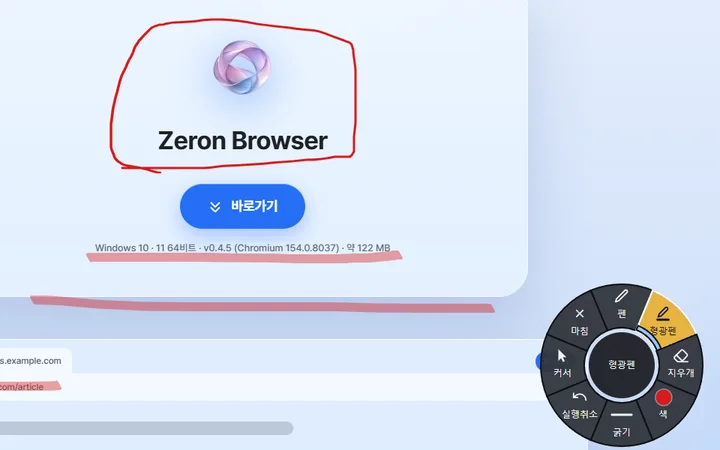
Stays in place through scrolling, zooming and resizing
No screenshots stitched together. The full document is rendered in a single pass, so sticky headers do not repeat and seams do not drift.
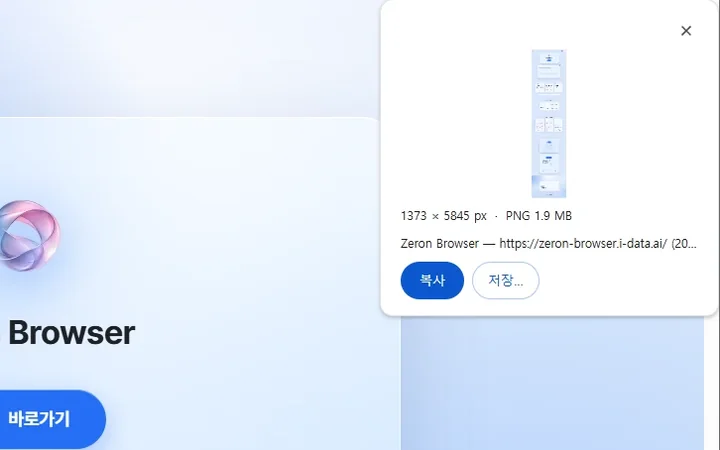
Up to 16,384 px · beyond that, it offers you a choice
The tab strip and toolbar take on the color of the page you are on. To keep text readable while doing so, all 140,608 possible colors were checked.
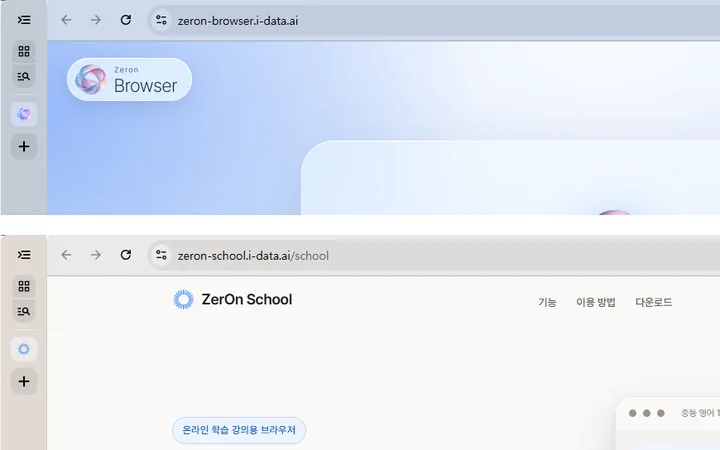
Worst contrast 4.583 : 1 · 0 colors lost
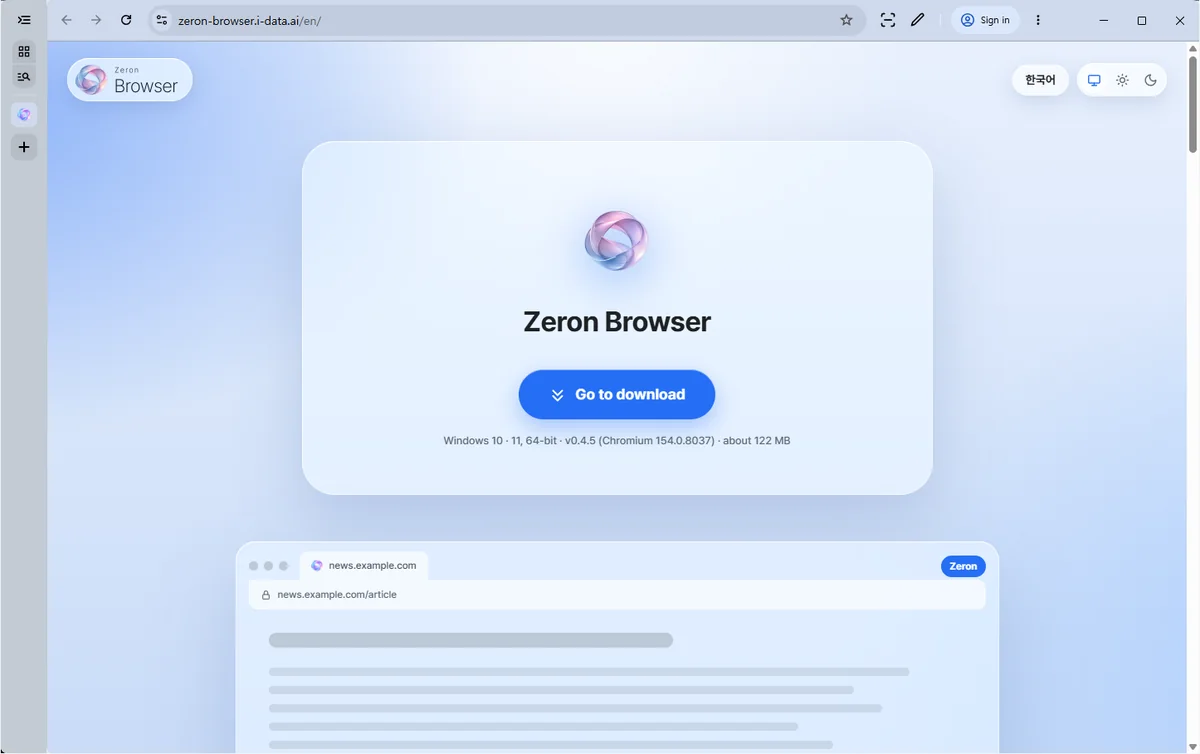
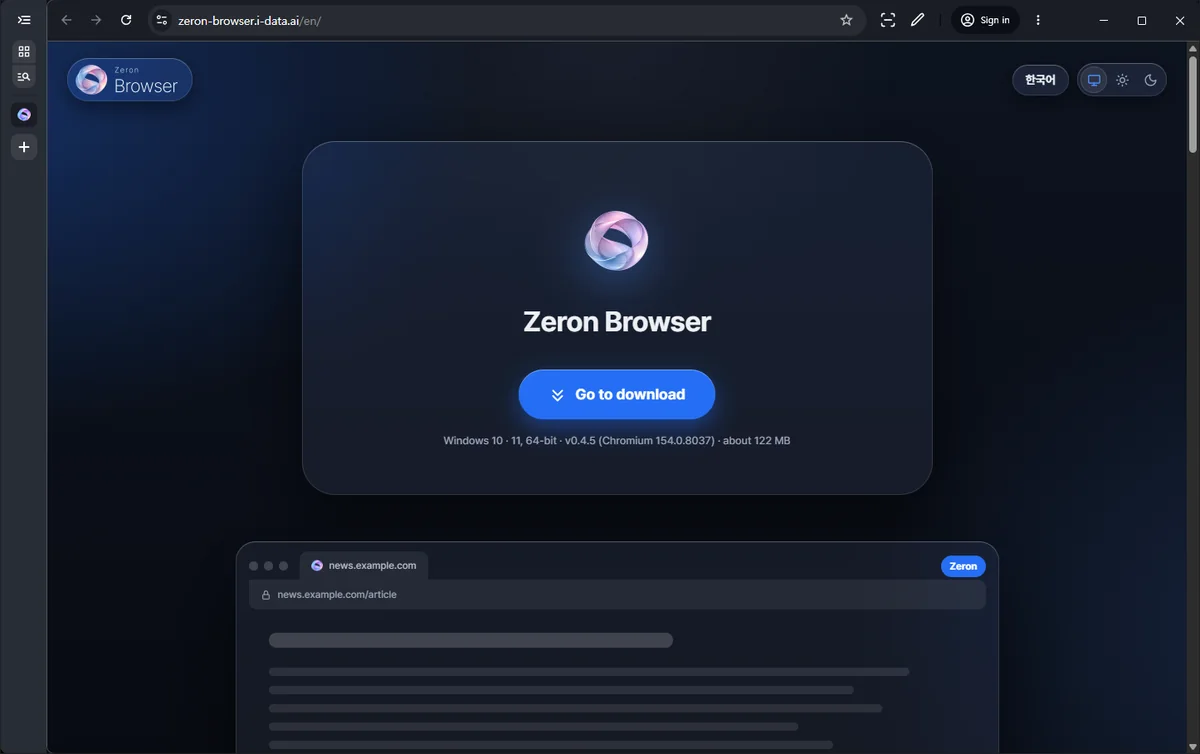
This site opened in the Windows build. The toolbar takes on the color of the page.
The “Sign in” button in the toolbar is a placeholder for a future Zeron account. Clicking it does not sign you in, and it has nothing to do with Google accounts.
Windows 10 · 11, 64-bit · v · about MB
%LOCALAPPDATA%\ZerOn\Application.Direct download https://zeron-browser.i-data.ai/download/Zeron-Browser-Setup.exe
SHA-256
Linux, 64-bit · .deb · v · about MB
sudo apt install ./zeron-browser-stable_VERSION_amd64.debzeron in a terminal. It is also added to the app menu./opt/zeron/zeron-browser.sudo apt remove zeron-browser-stable~/.config/zeron, moved automatically on first run), and fewer requests go to Google.Direct download https://zeron-browser.i-data.ai/download/Zeron-Browser-linux-amd64.deb
SHA-256
You can also check the GPG signature. Download the public key and the signature file (.asc), then run this in the same folder:
gpg --import zeron-browser-signing-key.asc
gpg --verify zeron-browser-stable_VERSION_amd64.deb.asc zeron-browser-stable_VERSION_amd64.deb
You should see “Good signature from Zeron Browser (Package Signing)”, and the key fingerprint must match:
C75F 0902 FB66 DB21 390D 0748 B92B 2BDB 6676 7A29
A warning that the key “is not certified with a trusted signature” is normal — it appears because you have not marked the key as trusted. Just check that the fingerprint matches.
apt does not check signatures on a .deb you download yourself, so run these commands if you want to verify it.
Android 10 or later · 64-bit (arm64) · Preview · v · about MB
If the download breaks off, resume it from the fixed-version address Zeron-Browser-android-arm64.apk
SHA-256
Yes. Install them straight from the Chrome Web Store.
Up to 0.4.5, the Windows build fetched extensions registered for Chrome on the PC (for example Adobe Acrobat). From 0.4.6 such registrations are no longer used, so those extensions may be removed, and data stored in them may be deleted too. To keep using one, install it yourself from the Chrome Web Store. Extensions you added from the Web Store yourself are not affected. The ones affected are extensions that appeared without you remembering installing them (for example Adobe Acrobat) — even if you later visited their Web Store page — so add those again to keep using them.
Windows only, for now.
Linux has a .deb package (64-bit). It has been installed and run on Ubuntu 22.04 · 24.04 and Debian 12. Debian 11 has reached end of life and is not supported. There is no Mac version yet.
On Windows, open Open Settings → About Zeron Browser to check for and install updates. Each download is verified before it installs.
The Linux version does not update automatically; download the new version from this page and install it.
EasyList and EasyPrivacy, updated automatically every 6 hours.
No. The package installs the helper the browser sandbox needs.
Yes. For sites whose notifications you allow, they go through Google's push service (FCM). If you do not allow them, nothing is registered. Details are in the privacy page.
From 0.4.6, Zeron reads its own policies. On Windows that is the registry key SOFTWARE\Policies\ZerOn (recommended policies under …\ZerOn\Recommended); on Linux, /etc/zeron/policies. Chromium policies (SOFTWARE\Policies\Chromium) no longer apply. There are no administrative templates (ADMX) yet.